OpenClaw Setup
Configure OpenClaw to route API calls through tapes.
This guide assumes you've already installed tapes and are setting up OpenClaw on exe.dev (a platform for remote virtual machines) with an Anthropic API key. For OpenClaw setup, see the official setup guide.
Start the Proxy
Start tapes configured for Anthropic:
tapes serve \
  --provider anthropic \
  --upstream "https://api.anthropic.com" \
  --proxy-listen "0.0.0.0:8080" \
  --postgres "postgres://tapes:tapes@localhost:5432/tapes?sslmode=disable"
Configure OpenClaw
Edit ~/.openclaw/openclaw.json to route API calls through tapes:
{
  "providers": {
    "anthropic": {
      "baseUrl": "http://localhost:8080"
    }
  }
}
Use
Start chatting with your OpenClaw agent through your configured communication channel. The tapes proxy will automatically capture all conversation data.
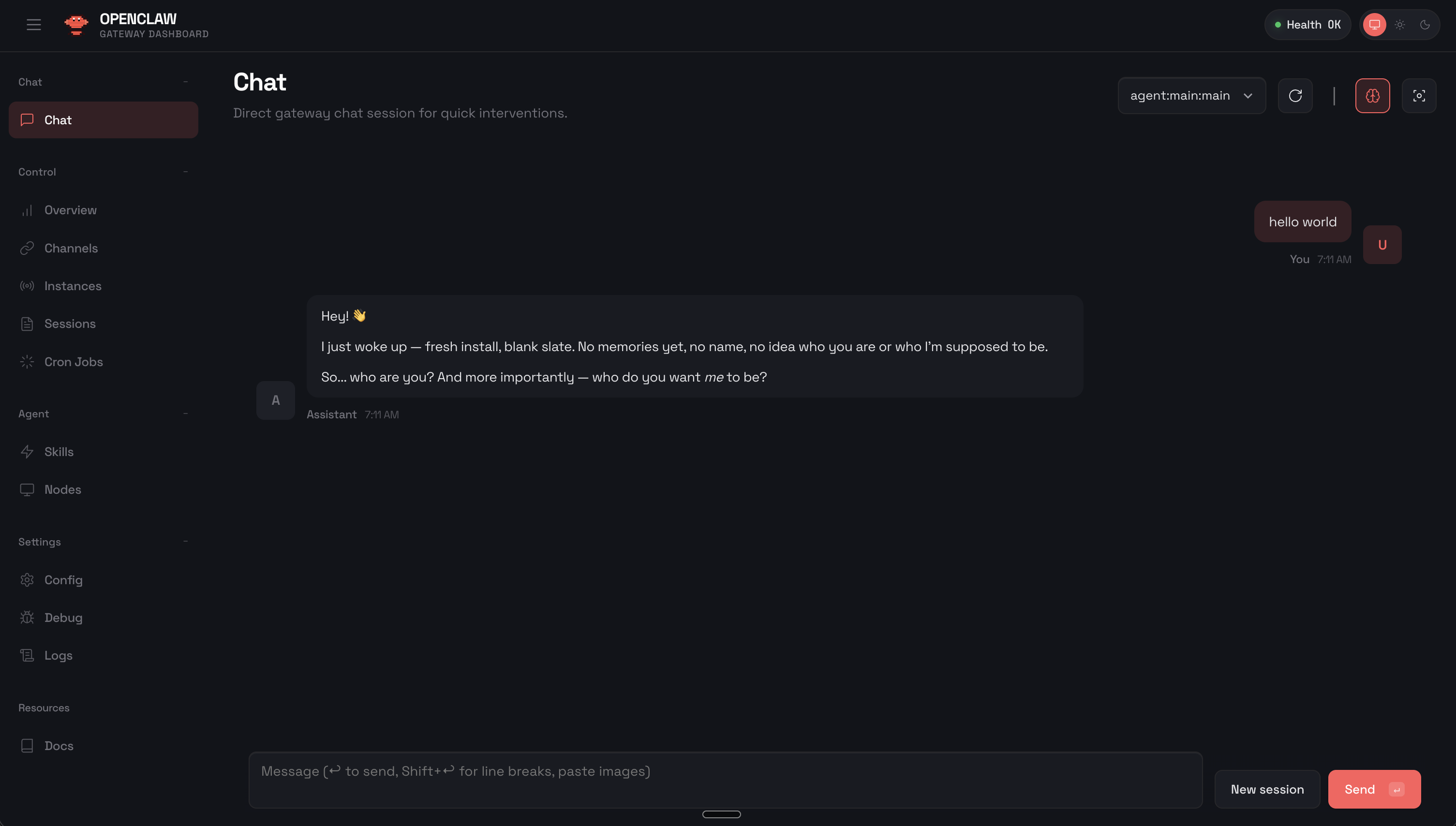
Each message exchanged will be stored with full context, token usage, and metadata for later analysis.
Device Pairing
If you see "disconnected (1008): pairing required" in the OpenClaw dashboard, a device needs approval. See the channels documentation for setting up communication channels.
List pending requests:
openclaw devices listApprove the pending device:
openclaw devices approve <request-id>Refresh the dashboard - the connection should now show as healthy.
Verify Health
openclaw healthVerify It's Working
Check the tapes proxy logs to confirm API requests are being captured, or query the API server:
curl http://localhost:8081/v1/stats